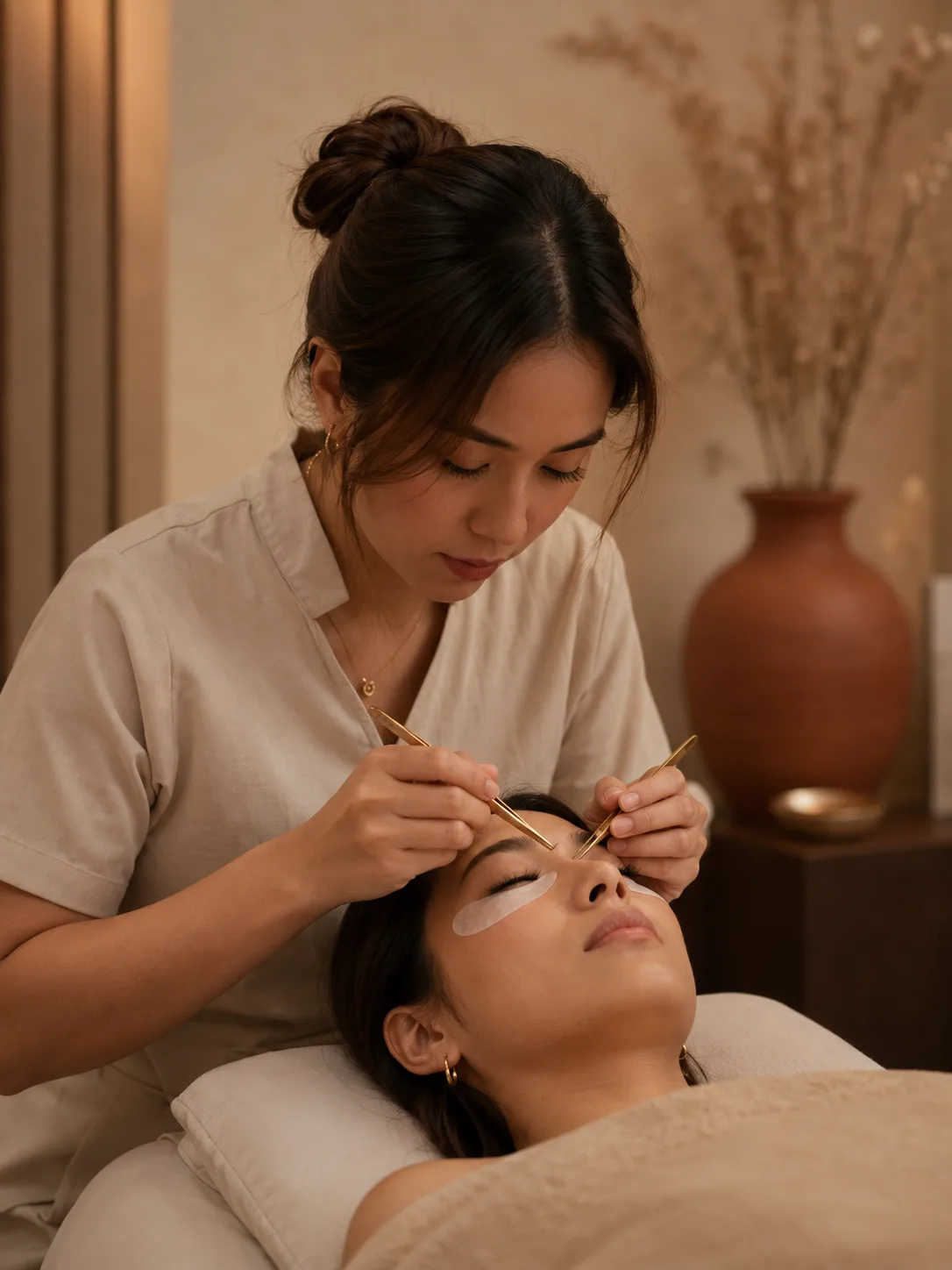
Every look, remembered
Before and after photos, eye mapping, and lash specs, together on one client card.
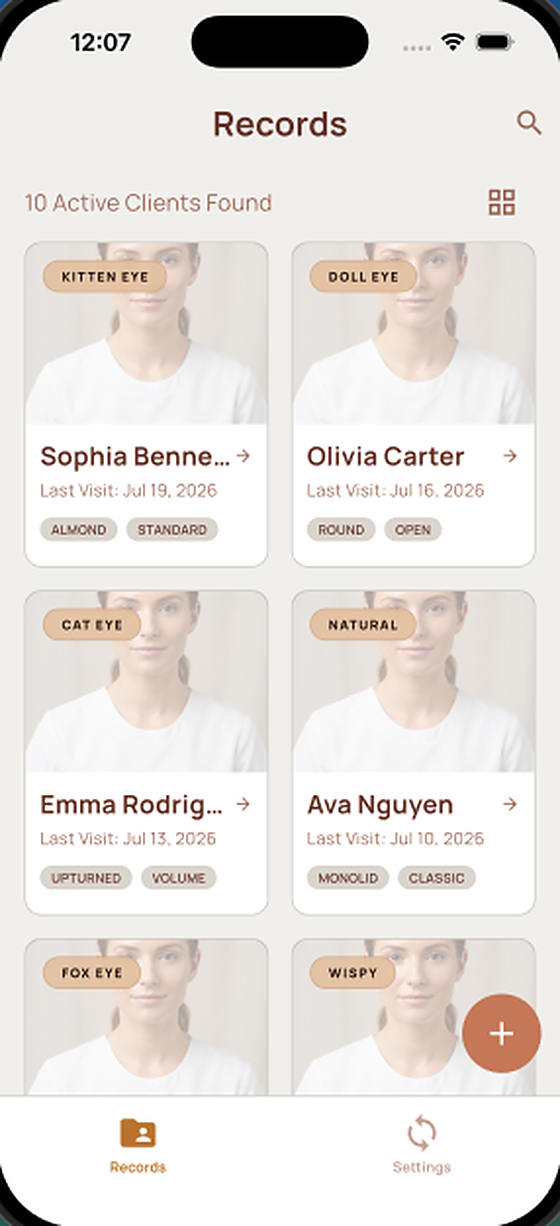
Lyna remembers every mapping, photo, and detail, so you never lose a client’s look.
No more scattered notes, camera rolls, or guesswork. Lyna holds the full picture for every person in your chair.
Before and after photos, eye mapping, and lash specs, together on one client card.
Set type, length, curl, and thickness saved for every client, ready the moment they sit down again.
Start on your iPhone at the chair, pick it up in your browser at the desk. Android is on the way. Your client book stays in sync everywhere.
Cloud sync plus local backups mean a lost or new phone never means a lost client.
Share one client book with your team, so every artist works from the same records.
Lyna fits the way you already work, in three simple moments.
Save their name, a photo, and the eye shape you are working with. A new client takes seconds.
Capture the eye mapping and the exact lash recipe: set type, length, curl, and thickness.
On their next visit, open the card and repeat the look perfectly, or build on it with a fresh photo.
Calm, quick, and built for the pace of a real appointment.
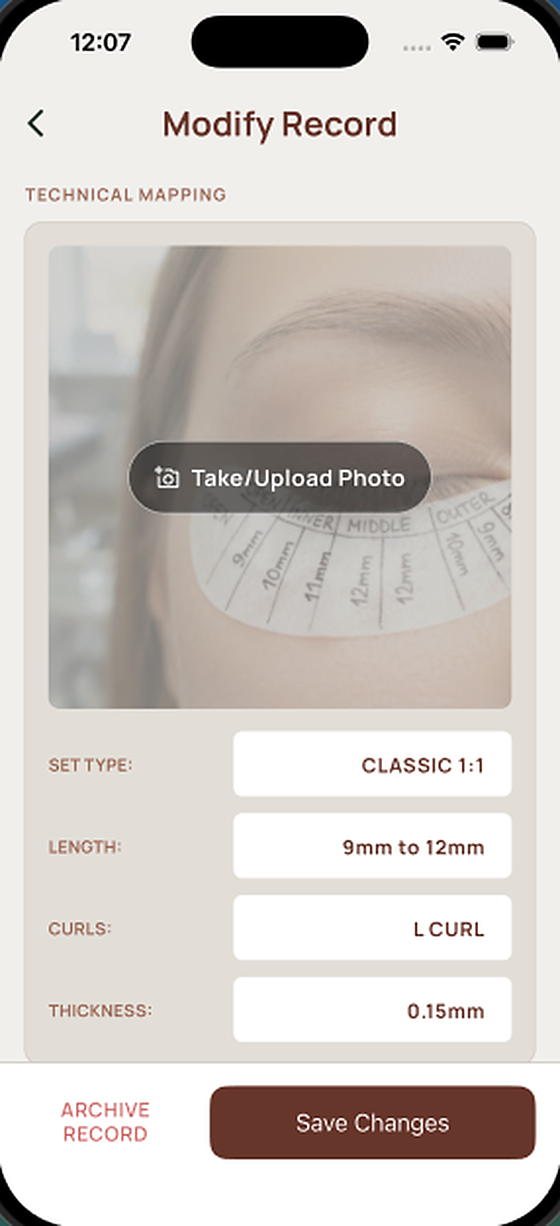
Set type, length, curl, and thickness, recorded per eye. Next visit you repeat the set instead of reconstructing it.
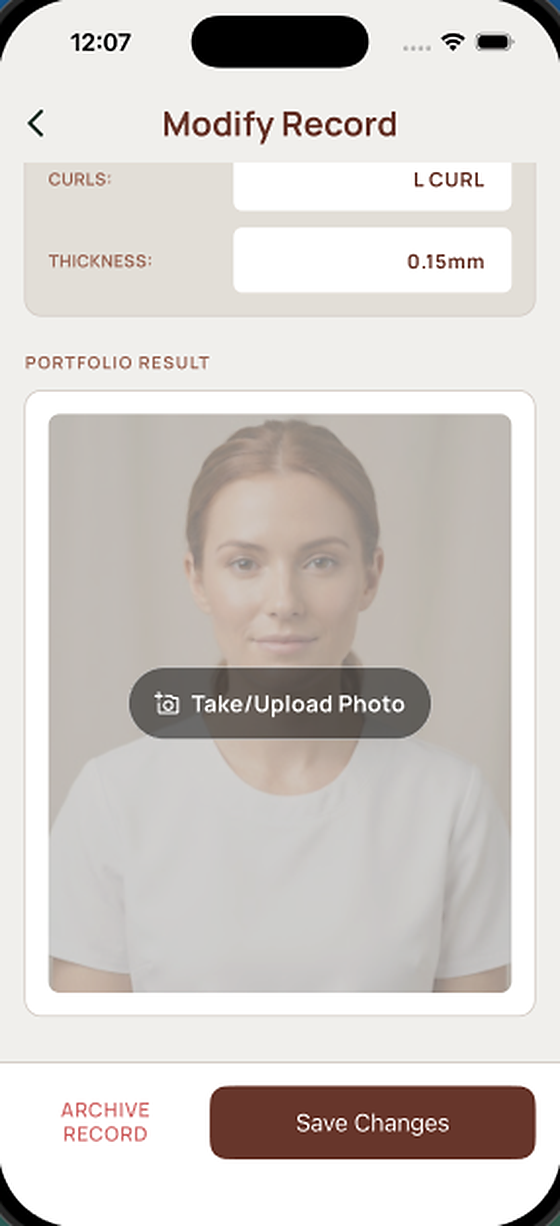
The finished set is saved beside the mapping that produced it, so your portfolio builds itself while you work.
Your phone is for the chair — quick photos, quick notes, hands busy. The web app is for everything after: the wide views, the catch-up, the tidy-up. Same records, same account, open in any browser.
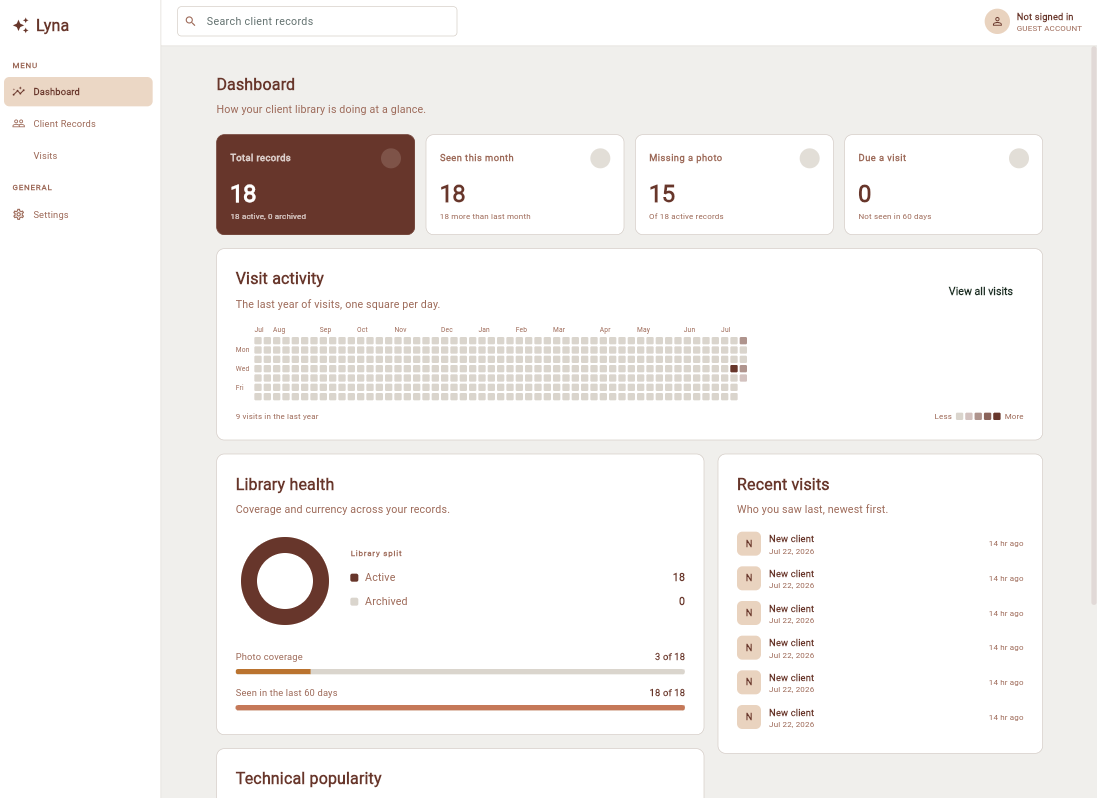
The dashboard counts what is missing a photo and who is due a visit, tracks photo coverage across your library, and lays a year of visits out as one square per day.
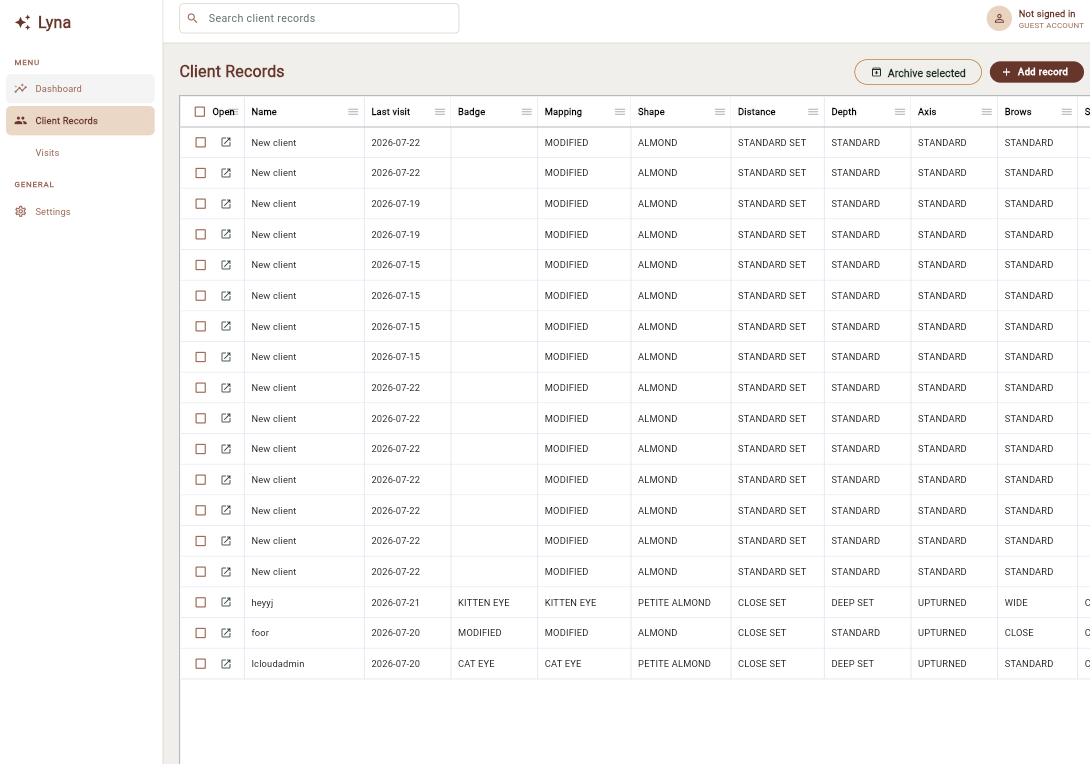
Every client and every specification in one table — mapping, shape, distance, depth, axis, brows — instead of one card at a time. Search it, sort it, archive in bulk.
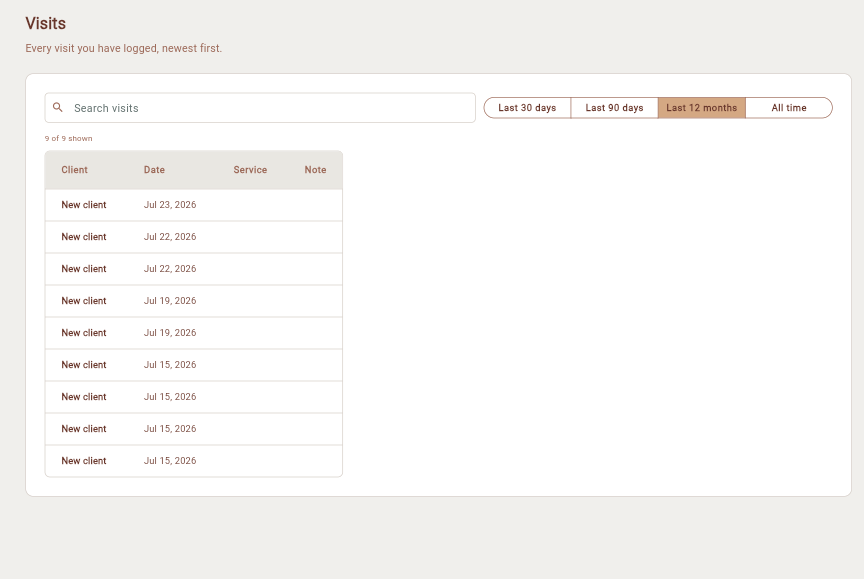
Search it, or narrow it to the last 30 days, 90 days, or the whole year. Useful when a client asks when they were last in and you would rather not guess.
Nothing to install. Works in any modern browser.
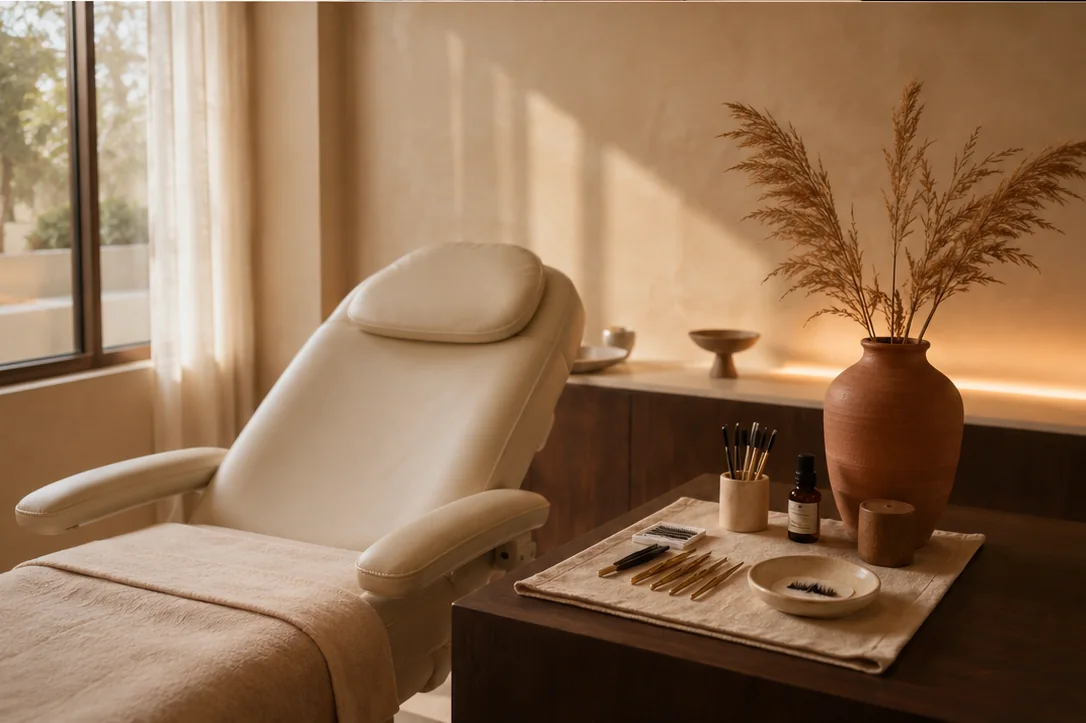
Between appointments, the details fade. In Lyna, they wait for the next visit.
Lyna holds photographs and notes about real people who trusted you with their face. The defaults are built around that.
Read the privacy policyUse it on iPhone or in your browser today. Leave your email and we will tell you the day it reaches Android.
No spam. One email when your platform is ready.
Yes. Your records are yours. Photos and notes are stored securely and are only visible to you and any studio members you choose to invite. You can also keep everything on your device and turn cloud sync off.
Yes. Guest mode keeps your records on your device with no sign-in. When you want backups and access from another device, turn on cloud sync and your records come with you.
Lyna is on iPhone today, and the companion web app is live at app.lyna.beauty — open it in any browser, nothing to install. Android is still on the way, and you can join the waitlist to hear the moment it lands. Your records stay in sync across every device you use.
Yes. Your records live on your device, so they open instantly even with no signal. Any changes sync automatically once you are back online.
Yes. Create a studio and invite your artists with a code. Everyone works from one shared client book, so a client can be seen by any artist on the team.
You can delete your account and all of its records from inside the app at any time. Once deleted, your data is removed from our systems.